Hey, just so you know, some of the links on this site are affiliate links. That means I may earn a small commission if you buy something through them. It doesn’t cost you anything extra, and it helps me keep this site running. Thanks for your support!
Quick answer: a good home charging station starts with the devices you actually charge in one place. Use appropriate chargers and power products, give each cable a defined route, leave ventilation and access where the manufacturer requires it, and avoid overloading power strips or extension cords.
The goal is not to hide every cable. It is to make charging predictable, safe and easy to maintain.
Inventory the devices before buying a dock
List the devices that regularly need power in the same area:

- phones;
- tablets;
- earbuds;
- smartwatches;
- portable batteries;
- small accessories.
Remove devices that charge somewhere else. Your charging station should solve one location problem, not become the electrical center for the whole house.
Choose the power source first
Decide whether the station needs:
- one wall outlet with multiple USB ports;
- a listed power strip;
- a multi-device charging dock;
- individual manufacturer-provided chargers.
Follow the device and charger manufacturer instructions. CPSC warns that overloaded extension cords and power strips can create fire hazards and recommends avoiding overloads, replacing damaged cords and looking for certification from an independent testing laboratory. See CPSC power-strip and extension-cord safety guidance.
Do not turn cable hiding into heat trapping
Cable boxes and enclosed furniture can make a setup look cleaner, but chargers and power products may have ventilation and placement requirements.
Do not cover or tightly enclose equipment contrary to manufacturer instructions. Keep access available for inspection and unplugging.
Use the shortest practical cable for each job
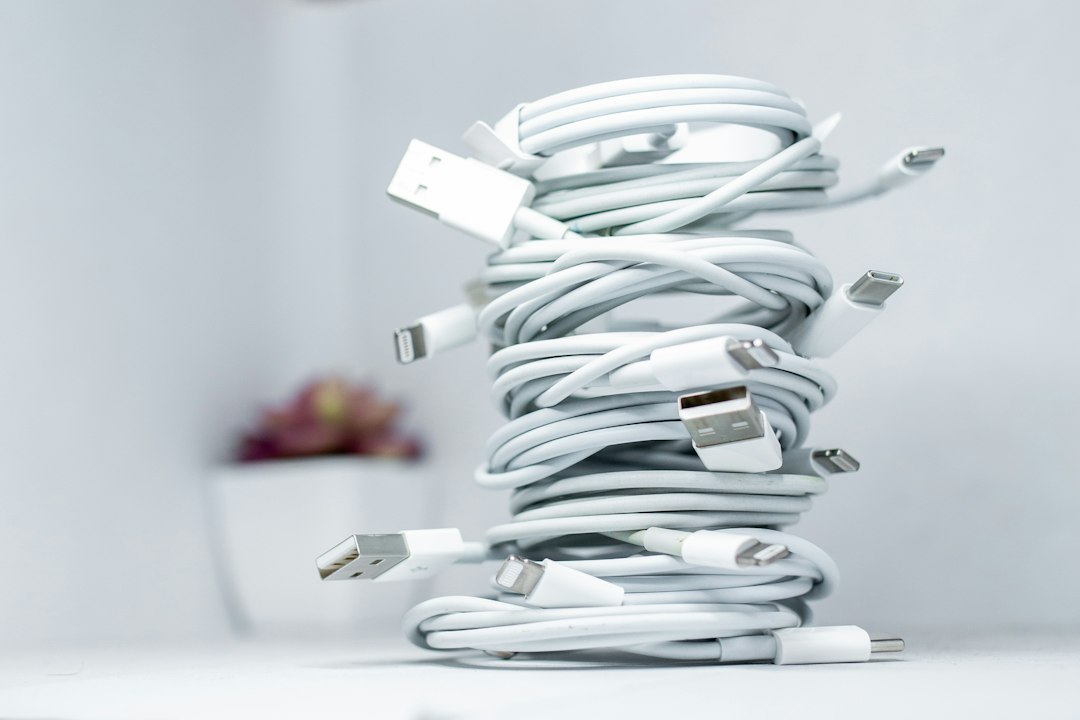
Extra cable length creates loops, tangles and visual clutter.
Choose cables that comfortably reach the device without tension. Use reusable cable ties or clips to control excess length rather than wrapping cords tightly around power adapters.
Label similar cables
If several cables look identical, label the device end or charging bay.
This is especially useful in households where multiple people share the station.
Simple labels can prevent unplugging the wrong device or pulling every cable out to identify one.
Separate high-use from occasional devices
Prime charging positions should go to devices used every day.
Occasional accessories can live in a nearby drawer or labeled pouch until needed.
This keeps the charging area from becoming permanent storage.
Make the station easy to clean
A charging station will collect dust if cables, adapters and small devices cover the whole surface.
Leave enough open space to wipe the area without dismantling the system.
Common mistakes
- buying a dock before counting devices and connector types;
- daisy-chaining power strips or improvised adapters;
- using visibly damaged cords;
- hiding power products where they cannot be inspected;
- keeping obsolete chargers in the station;
- buying a product because it claims high output without checking compatibility.
What to compare before buying a charging product
Research current manufacturer specifications for:
- number and type of ports;
- total power output;
- device compatibility;
- included cables or adapters;
- independent safety certification;
- physical dimensions;
- ventilation and installation requirements.
This is research-based guidance, not hands-on testing of every charger or dock.
Choose products only after the station is mapped
If you need a charging dock, cable clips or organizer, browse Happi Resources or compare current options through our approved Amazon route after confirming compatibility and safety information.
For a broader desk reset, see How to Reset a Cluttered Home Office for Better Focus.
What to do next
Gather every charger currently living in the target area. Keep only the ones tied to devices that actually charge there, then map one safe power path before buying anything.