Hey, just so you know, some of the links on this site are affiliate links. That means I may earn a small commission if you buy something through them. It doesn’t cost you anything extra, and it helps me keep this site running. Thanks for your support!
Quick answer: a household restock list works when frequently used supplies have a simple trigger. When you open the last backup or reach a chosen minimum, add the item to one shared list. Review that list before the normal shopping trip.
The system should reduce emergency runs without turning your home into a warehouse.
Start with the items that cause real inconvenience
Do not inventory every object in the house.

Start with repeat-use basics such as:
- toilet paper;
- trash bags;
- laundry detergent;
- dish soap;
- toothpaste;
- basic cleaning supplies;
- pet supplies;
- frequently used pantry staples.
Choose items that are used consistently and are annoying to run out of.
Pick one trigger per category
Good restock triggers include:
- open the last backup;
- one package remains;
- the active container reaches a marked minimum;
- the weekly shelf check shows the item is low.
A trigger is more reliable than “remember to buy it soon.”
Use one capture place
The list can be:
- a shared phone note;
- a grocery app;
- a paper list on the refrigerator;
- a whiteboard;
- a household task app.
The format matters less than everyone knowing where the list lives.
Separate routine restocks from special purchases
Keep recurring household basics easy to scan.
A new vacuum, seasonal storage bin or home-repair part is not the same kind of purchase as laundry detergent.
Separate special purchases so they do not bury the routine list.
Choose reasonable backup levels
Use normal consumption and storage capacity.
Ask:
- How fast do we use this?
- How often do we shop?
- How much storage do we have?
- Is the item easy to replace locally?
- Does buying extra actually save money?
More inventory is not automatically more efficient.
Review the list before the shopping trip
Before ordering or leaving home:
- check the list;
- verify the item is actually low;
- remove duplicates;
- check nearby backup storage;
- add only what is needed.
This prevents buying another product because someone forgot a backup already existed.
Use location-based mini checks
You can review a few categories during normal routines:
- laundry shelf when starting the last detergent container;
- bathroom cabinet during a weekly reset;
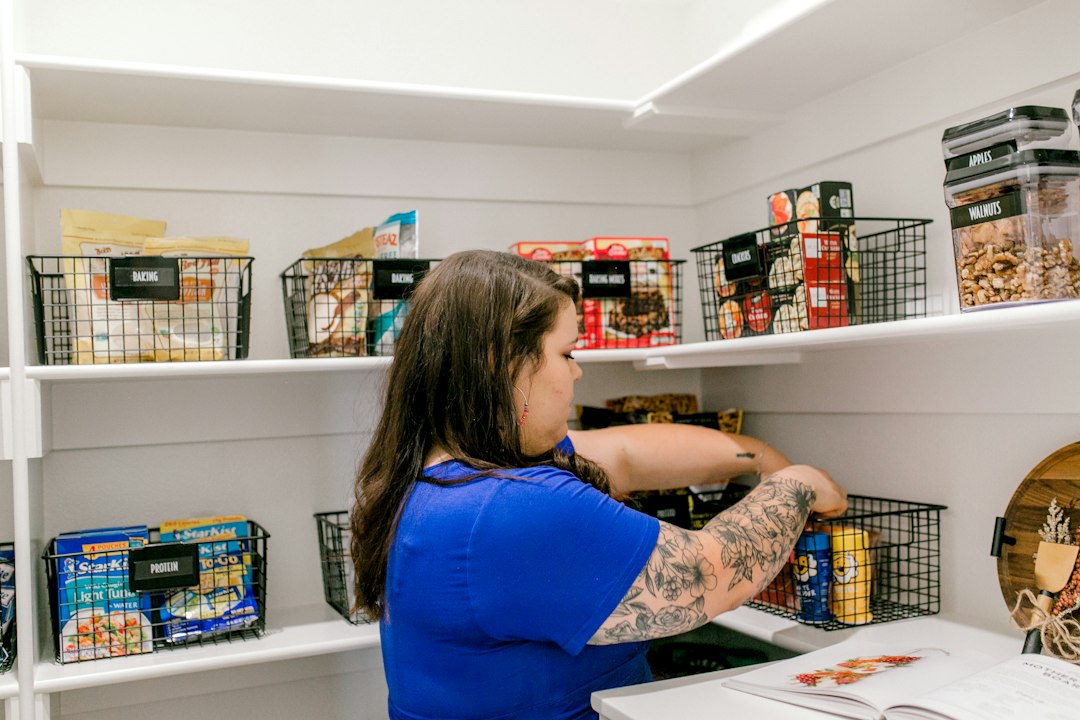
- pantry before grocery shopping;
- cleaning kit after refilling a spray bottle.
The check should take seconds, not become a full inventory process.
Common mistakes
- creating separate lists for every room;
- buying too many backups;
- adding items but never removing purchased ones;
- keeping the list somewhere only one person sees;
- restocking rarely used products automatically;
- confusing “on sale” with “needed.”
Connect restocking to household routines
A restock list works especially well with the 7 Household Systems That Save Time Every Week and the Monthly Life Reset Checklist.
What to do next
Choose ten frequently used household items and define the trigger that means each one goes on the list.